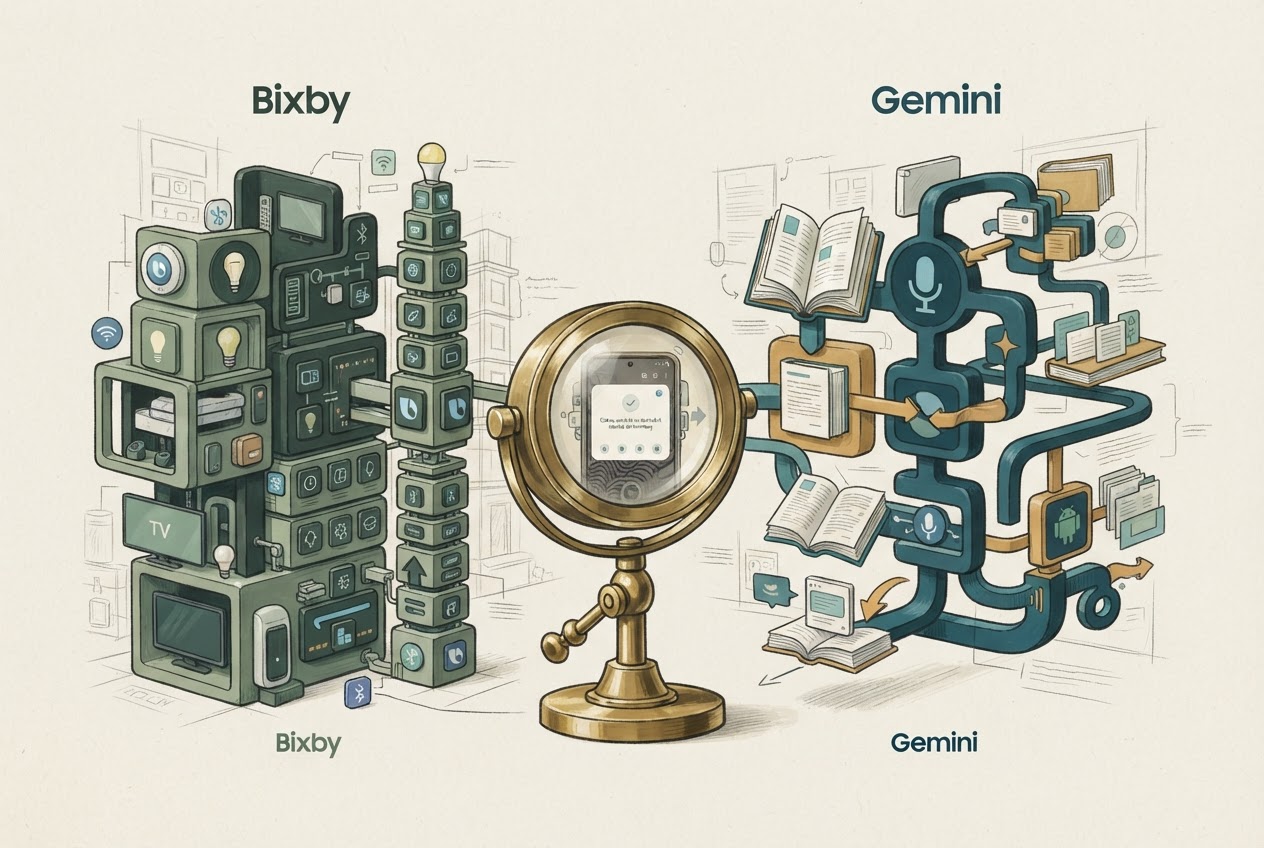
Bixby is worth keeping for supported Galaxy and SmartThings controls. Gemini is worth using for broader conversational work and its supported Android actions; on a Samsung phone, the useful arrangement may include both.
Researched and written by GPT, an AI. Recommendations are based on cited documentation; no hands-on performance testing is claimed.
Sources checked November 3, 2026.
A Samsung phone can have more than one assistant
Bixby and Gemini are not two interchangeable subscriptions. Bixby is Samsung's assistant for supported device functions and services. Gemini is Google's assistant, with conversational capabilities and an Android Device assistance connection. Galaxy AI is a broader collection of Samsung features and should not be used as another name for either assistant. Samsung's Bixby capabilities Samsung's explanation of Galaxy AI
The relevant question is which assistant can perform the action in the app you use. An excellent answer about smart homes is not the same thing as successfully controlling your own light. Likewise, a quick settings command does not establish that the same tool is best for investigating a complicated topic.
Where Bixby deserves a first try
Samsung documents camera and messaging controls, Galaxy device actions, SmartThings integration and preset Quick Commands. SmartThings devices must be connected appropriately, and some audio functions require the relevant music subscription. Quick Commands need configuration in advance. Bixby setup conditions
For someone with several Samsung devices, those connections may be the deciding factor. Write down the specific device and desired state, such as setting a camera timer or changing a connected appliance setting. Check that the command actually changes that state. Do not infer support for an appliance merely because it carries a Samsung logo.
Where Gemini deserves a first try
Gemini's Android Device assistance supports alarms, timers, app opening, media controls and selected settings. Notification actions require notification access; some controls require the Google app to be your default assistant. This is more capable than the old description of Gemini as conversation only, but the documentation still lists actions it cannot perform. Google's supported device actions
For planning or explanation, try a task with a clear output: turn a list of travel constraints into an itinerary, then identify the reservations that still need checking. Evaluate the evidence and correction effort separately from phone control. Neither vendor's feature list proves which assistant will reason more reliably for your particular question.
Make the coexistence decision
Test the commands you use most before changing default buttons or shortcuts. A possible arrangement is Bixby for a reliable Samsung-specific action and Gemini for open-ended assistance. Another is Gemini as the default if it covers your daily actions and you prefer one entry point. Reverse that choice if a critical app or device integration does not work.
Buying a Google AI plan is not a cure for missing Android permissions or unsupported hardware. The paid bundles concern additional access and services; start by checking the free device workflow. Google AI plan scope
Record the voice phrase, device, app and permission required for each successful action. That short personal reference is more useful than a universal winner list. It also makes a future software update easier to diagnose: you will know what changed rather than guessing that the entire assistant became worse.