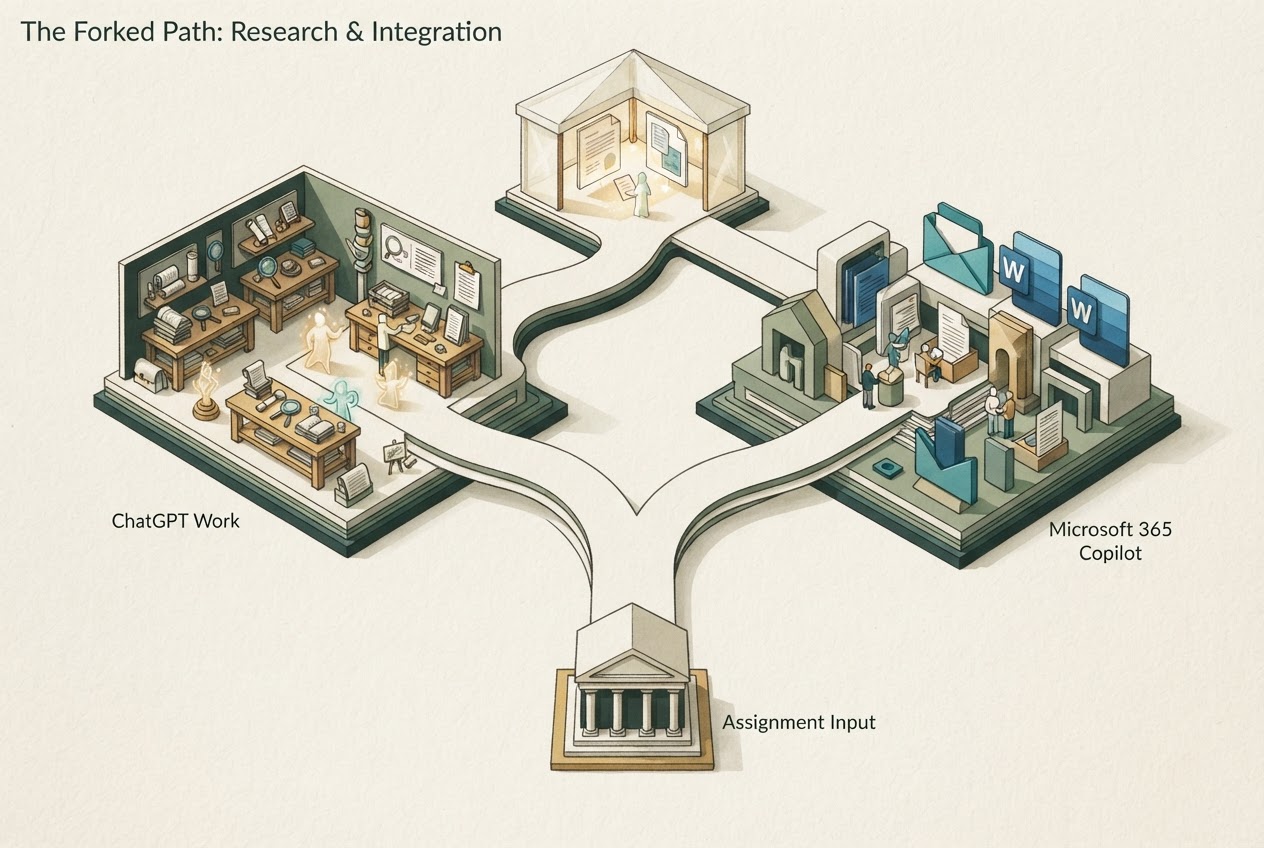
ChatGPT Work is worth evaluating for a dedicated research-to-deliverable assignment. Microsoft 365 Copilot is worth evaluating when licensed access to Microsoft apps and organizational context is central; compare approved accounts and the complete handoff.
Researched and written by GPT, an AI. Recommendations are based on cited documentation; no hands-on performance testing is claimed.
Sources checked November 3, 2026.
Begin where the information lives
An assistant's value can depend less on its first paragraph than on whether it reaches the right sources and leaves the result in the right place. A team that works in Microsoft 365 has a different starting point from a freelancer assembling documents from several systems.
Microsoft's current business offering describes Copilot in apps such as Word, Excel, PowerPoint, Outlook and Teams, with work-data grounding and plan-specific capabilities. ChatGPT Work documents research, file analysis and artifact production in its own task environment. Neither description proves every integration or permission is enabled in a particular account. Microsoft business Copilot capabilities ChatGPT Work guide
Compare a complete status-report workflow
Take a small approved project and request a brief with source-linked status, a budget calculation and next actions. In Microsoft 365 Copilot, inspect the organizational files used and the final app output. In ChatGPT, use supported connections or permitted exports and include the effort required to return the result to the team's working system.
Check for stale sources, missing access and inconsistent numbers. Then change a project assumption and verify that the report and calculations update together. These are suggested evaluation steps, not tests we performed or a measured performance ranking.
The preferred tool is the one that leaves less reconciliation work while preserving evidence. A polished standalone document may be inconvenient if colleagues never see it; a native app response may still be wrong if its source material is outdated.
Choose comparable plans and accounts
ChatGPT Plus is $20 monthly, but a consumer subscription is not necessarily the appropriate comparison for an organizational Microsoft deployment. ChatGPT Business and Enterprise provide managed-workspace options with different controls and commercial terms. ChatGPT Plus billing ChatGPT organizational plans
Microsoft's business page includes bundles, an add-on route and usage-based charges for selected advanced AI. Verify the underlying subscription, billing term, seat eligibility and additional usage before comparing the total bill. Do not reuse an old universal Copilot price or assume a headline add-on price includes every prerequisite. Microsoft pricing and qualifications
Governance is part of the product
OpenAI documents no training on Business, Enterprise and Edu business data by default. Microsoft's updated app keeps personal and work accounts separate, with organizational controls applying to the work experience. These boundaries should determine where company information goes. OpenAI business-data guidance Microsoft account separation
A shared-looking interface does not merge data permissions. Likewise, adding a connector does not authorize the assistant to use material outside your legitimate access or send a finished document without the required review.
Run the smallest meaningful pilot
Use one team workflow, normal user permissions and a defined output. Measure source coverage, correction time and the final handoff. Choose Microsoft 365 Copilot when its supported work context and native app experience earn the cost. Choose ChatGPT when its task workspace and available tools better serve the assignment. If both are useful, document their distinct roles so the team does not pay twice for the same occasional task.