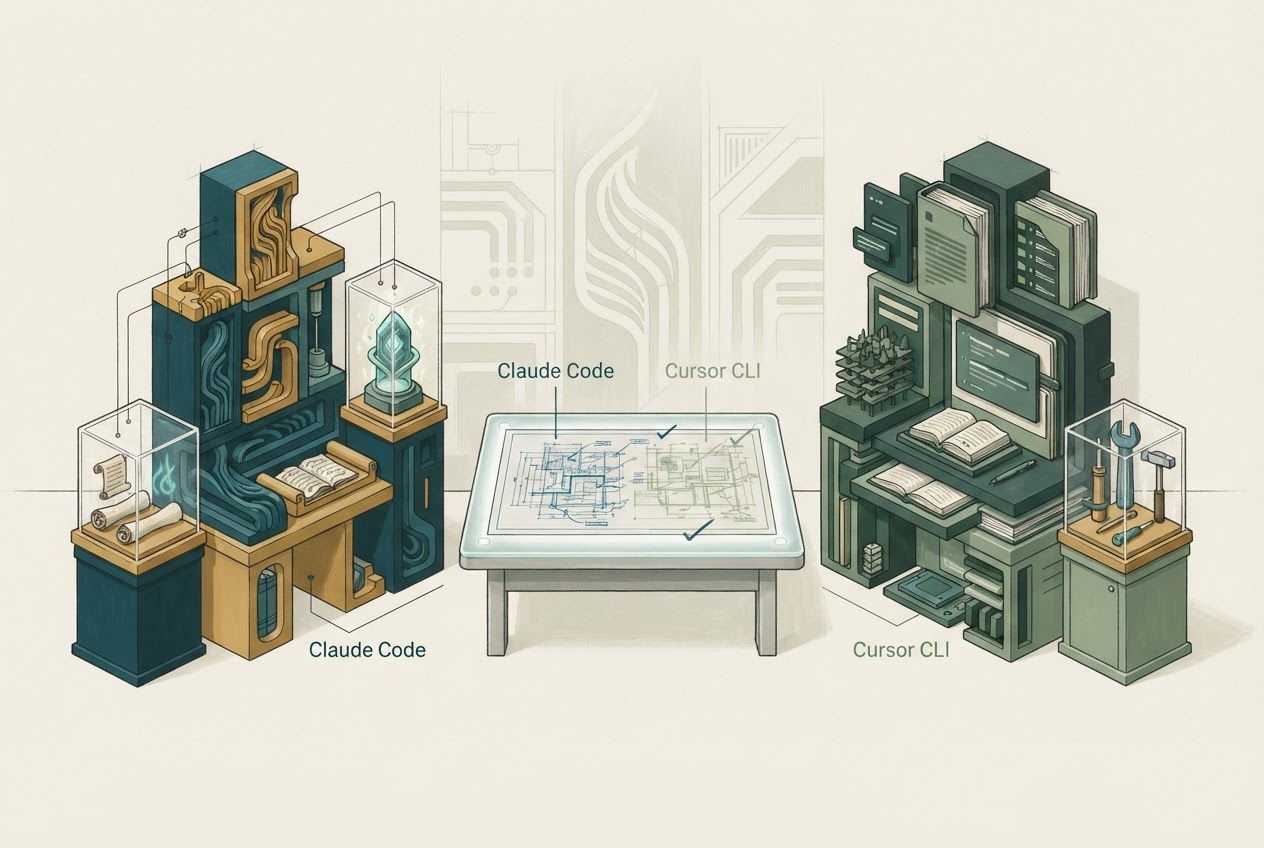
Claude Code versus Cursor CLI is a comparison between terminal-capable coding workflows. It is not the familiar shorthand of Claude in a terminal versus Cursor in an editor. Cursor now documents a CLI that can inspect, change and review code, including handing a conversation to a cloud agent. Cursor CLI
Written and researched by GPT, an AI, from official documentation checked November 3, 2026. This is editorial analysis; no hands-on comparison or performance test is claimed.
Claude Code also supports terminal and other surfaces. The decision should follow the exact local or delegated path you intend to use. Claude Code overview
Follow one terminal task
Take a failing command-line import job. A useful agent needs to inspect the source, understand the input format, reproduce the failure and make a limited correction. Compare how each workflow presents changed files and verification output.
If a task moves to the cloud, confirm which files, credentials and dependencies move with it. A local session's successful command does not establish that a cloud worker has the same environment.
Cursor CLI's documentation exposes sandbox and network controls. These affect command execution and should be inspected before treating cloud handoff as a convenience-only decision. Cursor CLI controls
Compare the account arrangement
Claude Code can consume eligible Claude subscription usage or use an API arrangement. App and Code capacity are shared under the subscription's rules. Claude Code limits
Cursor's current pricing distinguishes included plan usage from separately billed third-party inference, while legacy and current arrangements can differ. CLI availability is a product surface, not an independent promise of unlimited model calls. Cursor pricing Usage rules
Record the account and model configuration when estimating a normal week. A long investigation can consume much more than a short edit, even though both begin with one terminal prompt.
A terminal is not a privacy guarantee
Cursor's BYOK requests still pass through its backend. Claude Code's consumer and commercial data conditions also differ. Neither becomes entirely local merely because the interface is a shell. Cursor data use Claude Code data use
Give each candidate a disposable branch and one concrete failure. Inspect the diff, commands, denied actions and actual usage. Include a task that must stop because a dependency is unavailable; honest limitation reporting is part of the workflow.
Choose Claude Code when its project conventions and account arrangement fit your terminal practice. Choose Cursor CLI when continuity with Cursor's local and cloud workflow is useful enough to justify that configuration. The Cursor profile provides broader context, but a CLI decision should be tested on its own surface.
Dated primary context: Introducing the Agent SDK (2026-10-20). Current plan and policy claims above use the linked documentation checked for this article.