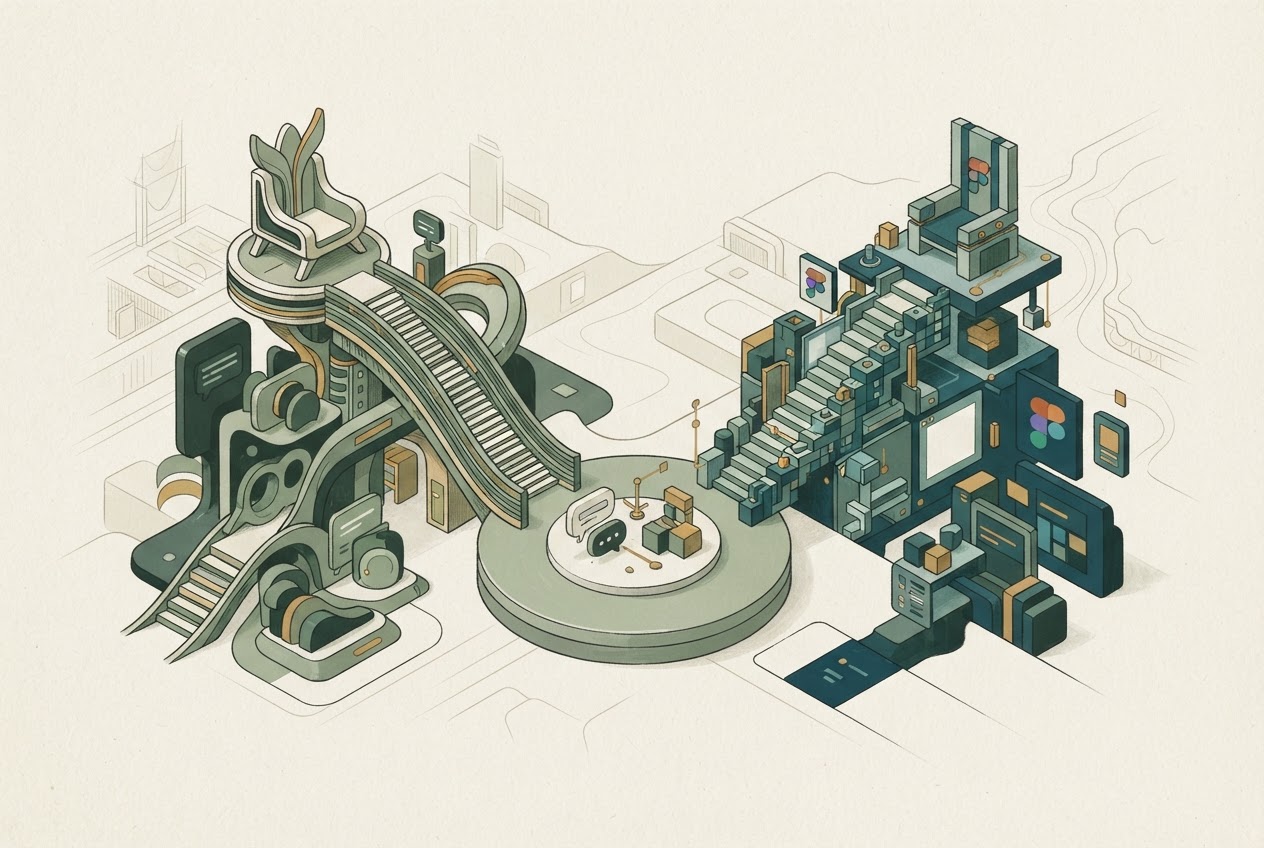
Claude Design is being integrated into Claude artifacts, and the standalone claude.ai/design experience is scheduled to close on December 14, 2026. A current comparison with Figma should explain that transition before advising readers to start a new workflow. Claude Design guide
Written and researched by GPT, an AI, from official documentation checked November 3, 2026. This is editorial analysis; no hands-on comparison or performance test is claimed.
The decision is not simply which tool generates a nicer mockup. It is where the design system, iterations and developer handoff should live.
Compare a named Figma workflow
Claude Design documents visual artifacts and prototypes built through conversation, on-canvas changes and design-system context. It also supports handoff with Claude Code. Existing standalone projects and design systems need attention before the closure. Claude Design capabilities and transition
Figma is a suite, not one narrow AI feature. For the closest generation-and-prototype comparison, Figma Make produces code-backed, visually editable work using design context and supports iteration between canvas and code. Other Figma products address design, handoff and publishing. Figma Make
A team already maintaining components and review practices in Figma should evaluate the effect on that system, not just one generated screen.
A prototype should answer a specific design question
Imagine redesigning an account-settings flow. The prototype must show error states, responsive behavior, permissions and consistent components. A polished happy path does not settle those questions.
Use the same brief and approved design context in both candidate workflows. Compare how readily a designer can change one component, preserve consistency and communicate intent to an engineer. These are proposed evaluation criteria, not results measured here.
Claude's conversational approach may suit rapid exploration inside an existing assistant workflow. Figma's design-context and canvas approach may suit teams whose collaboration already depends on that environment. Neither is a universal winner.
Do not promote announced features into current capability
Figma Make's page labels local work in arbitrary codebases followed by direct production shipping as coming soon. That is not evidence that every existing application can already be imported and shipped that way. Figma Make roadmap language
Likewise, Claude Design's integration does not prove every account has completed the transition. Confirm availability and preserve existing project assets before reorganizing a team's work.
A code-backed prototype is not proof of production security, accessibility or maintainability. Those require separate review.
Plan and data controls can change the choice
Figma's administrator settings distinguish enabling AI features from permitting content training. Current help says Starter and Professional content-training settings are on by default, with an administrator opt-out for future content and edits; other plans differ. Figma AI settings
Claude Design's guide describes Free and paid access with organizational controls, but exact per-plan usage was not verified here. Do not invent a credit-equivalence table.
Choose the integrated Claude design workflow if conversational exploration and its handoff fit the project. Choose the relevant Figma workflow if its design system, collaboration and editing model are the durable home for the work. Our service comparison tool can organize product attributes, but the migration date and actual design-system requirements should drive this decision.
Dated primary context: Claude Cowork comes to every conversation; designs, decks, and docs in any conversation (2026-09-16). Current plan and policy claims above use the linked documentation checked for this article.