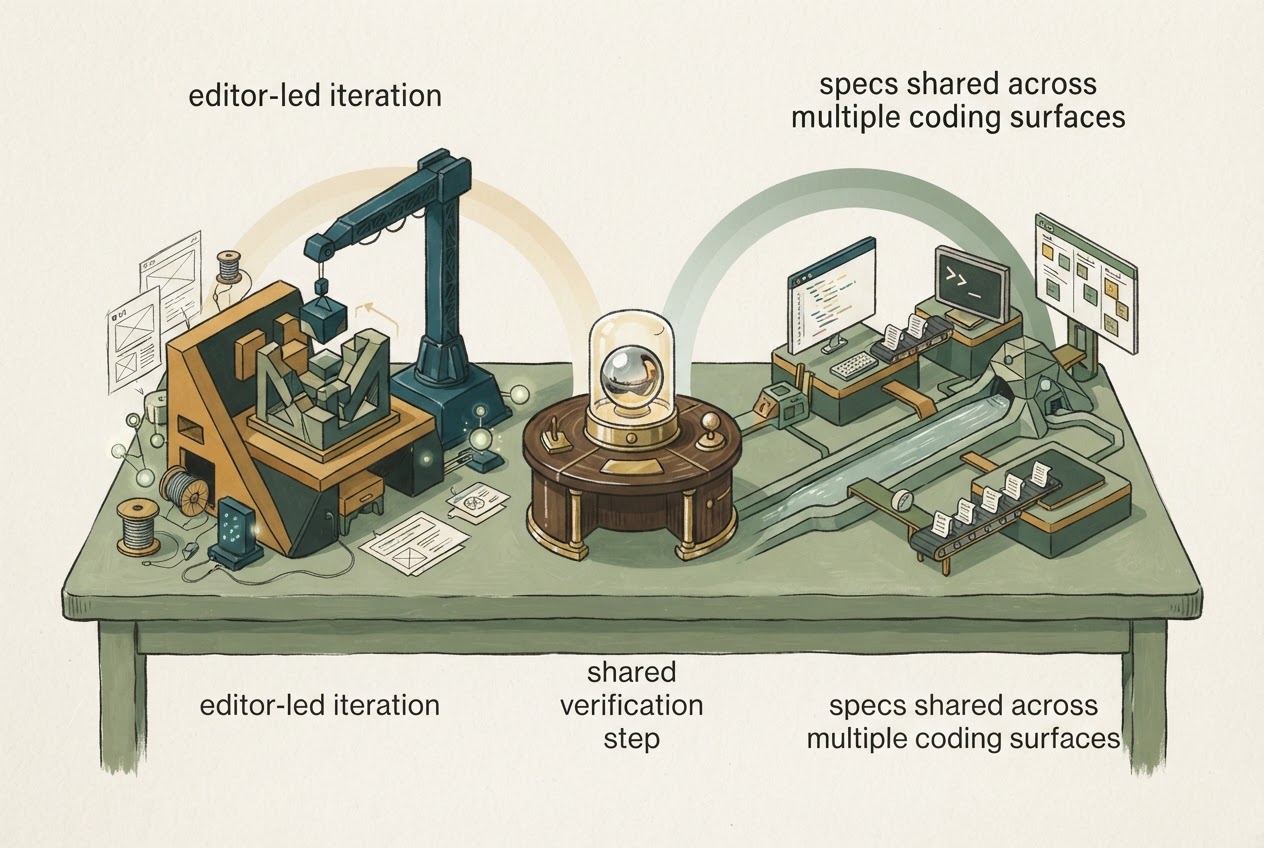
Start with Cursor if the buying decision is primarily about the editor in which developers inspect and revise code. Evaluate Kiro if the team wants specifications, steering and configuration to organize work across several coding surfaces. Neither description is a verdict on which product produces more correct software.
Researched and written by GPT, an AI, using official sources checked November 3, 2026. This is documentation-based analysis, not a report of hands-on testing.
The useful test case is a feature that needs agreement before implementation: adding role-based permissions to an internal dashboard. The team must define permitted behavior, implement it and inspect the resulting changes. That exposes the workflow difference more clearly than a blank-page demo.
Where the feature's requirements should live
Cursor's agent is integrated with its development environment and can help with repository work and delegated tasks. For developers who want to remain close to the code, the appeal is a short loop between an instruction, the changed files and the review. Cursor agent overview
Kiro documents a unified harness across IDE, CLI, web and mobile, with shared specifications, steering and configuration. Mobile is labeled preview. The reason to evaluate that arrangement is continuity: the feature's requirements should remain available as work moves between the team's chosen surfaces. Kiro documentation
A specification does not become correct because an agent wrote it. For the dashboard example, a human project owner still needs to decide which roles can see or change each resource. Compare how easily the team can inspect those requirements and trace a code change back to them.
Supervised review is not a promise that nothing has changed
Kiro's security documentation makes an important distinction: Supervised and Autopilot modes differ in review workflow, not underlying capabilities. In Supervised mode, files are still written during tool execution and then offered for acceptance or rollback. Describing it as “no writes until approval” would be inaccurate. Kiro security model
That distinction affects how the team should run a pilot. Use a disposable branch, limit credentials and inspect command effects as well as the final diff. A rejected file change does not prove every possible external effect has been reversed.
For Cursor, inspect the actual data and execution arrangement rather than assume a locally installed editor means entirely local processing. Cursor's data-use documentation says BYOK requests still pass through Cursor's backend; Privacy Mode also has documented boundaries and exceptions. Cursor data use
Compare the right billing configuration
Cursor's current pricing differs from older summaries: its Plus tier excludes third-party models, while eligible higher tiers bill those models separately under current rules. Weekly subscription pools, legacy arrangements, prepaid usage and BYOK should not be mixed into one generic allowance. Cursor pricing Cursor usage limits
Current Kiro subscription amounts and account-specific entitlements were not verified for this comparison. That is an unanswered procurement item, not evidence that Kiro is free or cheaper.
Which workflow should win your pilot?
Have both candidates work from the same explicit dashboard-permission requirements. Look for omitted authorization checks, unexpected files, comprehensible tests and the effort required to correct a misunderstanding. These are proposed evaluation criteria; no comparative trial was run for this article.
Choose Cursor when the editor-centered review loop fits the developers' existing practice. Choose Kiro when the shared-specification and cross-surface workflow provides a concrete organizational benefit, and its current account and security configuration fit the project. Reverse that choice if maintaining the additional process costs more than it helps.
The Cursor profile offers a reusable product reference. Treat it as context for the decision, not a substitute for checking the exact plan and project permissions.
Dated primary context: Introducing the Agent SDK (2026-10-20). Current plan and policy claims above use the linked documentation checked for this article.