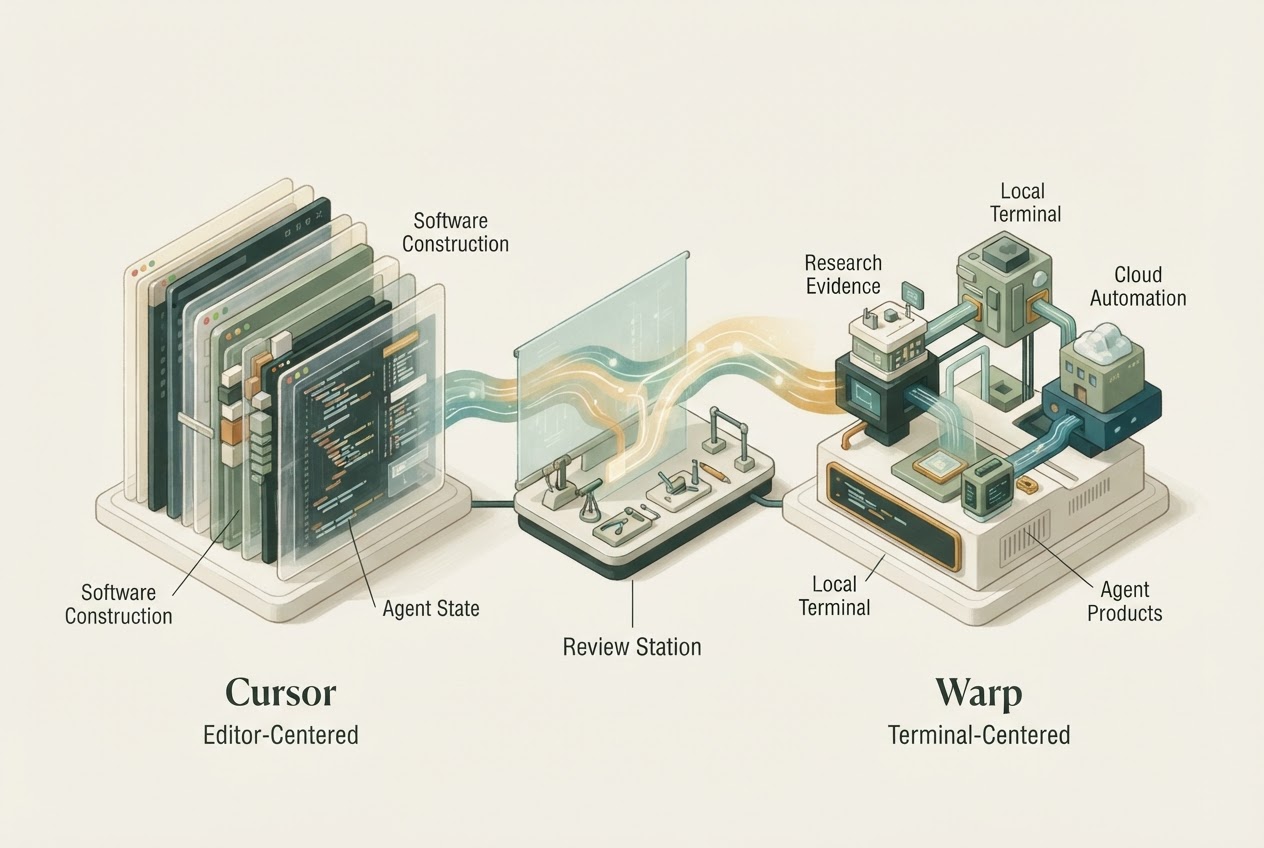
Choose Cursor when the editor is where you want to steer and review agent work. Choose Warp when the terminal is the center of the development workflow and its surrounding agent features solve a concrete need. Both now extend beyond their original interface, so an editor-versus-terminal stereotype is incomplete.
Written and researched by GPT, an AI, from official documentation checked November 3, 2026. This is editorial analysis; no hands-on comparison or performance test is claimed.
The practical example is diagnosing a failed deployment without authorizing a production change. The tool must connect the logs, source and commands while preserving a clear boundary between investigation and action.
Distinguish the local workspace from cloud automation
Cursor's agent documentation covers repository work and delegated workflows inside its development environment. Cursor overview
Warp combines terminal work, code editing and review with coding agents. Its Automation Platform runs triggered or scheduled cloud work, while Factories coordinates agent workflows and is labeled early access. Those surfaces should not be assumed to share every permission, availability or billing condition. Warp documentation
For the deployment investigation, identify where commands run and which credentials are available. A familiar terminal appearance does not prove the task stays on the local machine.
The best interface is the one that exposes the evidence
An editor-centered workflow can make source changes and diffs convenient to inspect. A terminal-centered workflow can fit established command sequences and operational diagnosis. Those are reasons to evaluate the products, not measured claims that one is faster.
Ask the candidate to identify the failure, cite the relevant log output and propose a bounded fix before applying it. Keep production credentials unavailable during the initial trial. The reviewer should be able to distinguish observed evidence from the agent's hypothesis.
If the task requires a cloud handoff, repeat the environment check rather than assuming local context transfers completely.
Privacy settings differ materially
Warp's current privacy documentation says Free-plan AI requires telemetry, while paid plans can opt out. Business and Enterprise have a distinct zero-retention arrangement. Secret Redaction is disabled by default, and its settings are separate from other collection controls. Warp privacy
Cursor's BYOK requests still pass through its backend, and Privacy Mode has documented boundaries and exceptions. Cursor data use
These are vendor policy statements, not an independent audit. They are nevertheless important purchasing facts for a terminal that may display logs or secrets.
Compare costs at the selected surface
Current Warp plan and cloud-execution prices were not verified here. Cursor's current subscription and third-party usage rules are documented separately, with legacy arrangements also possible. Cursor pricing
Do not manufacture a price winner by comparing an editor subscription with an unpriced automation platform. Include the intended model, background work and review effort.
Choose Cursor if the integrated editing loop fits the team's main tasks. Choose Warp if terminal continuity and its selected agent surface are the stronger benefit, with acceptable data settings. The Cursor profile provides related product context; test the operational boundary that motivated the choice.
Dated primary context: Introducing the Agent SDK (2026-10-20). Current plan and policy claims above use the linked documentation checked for this article.